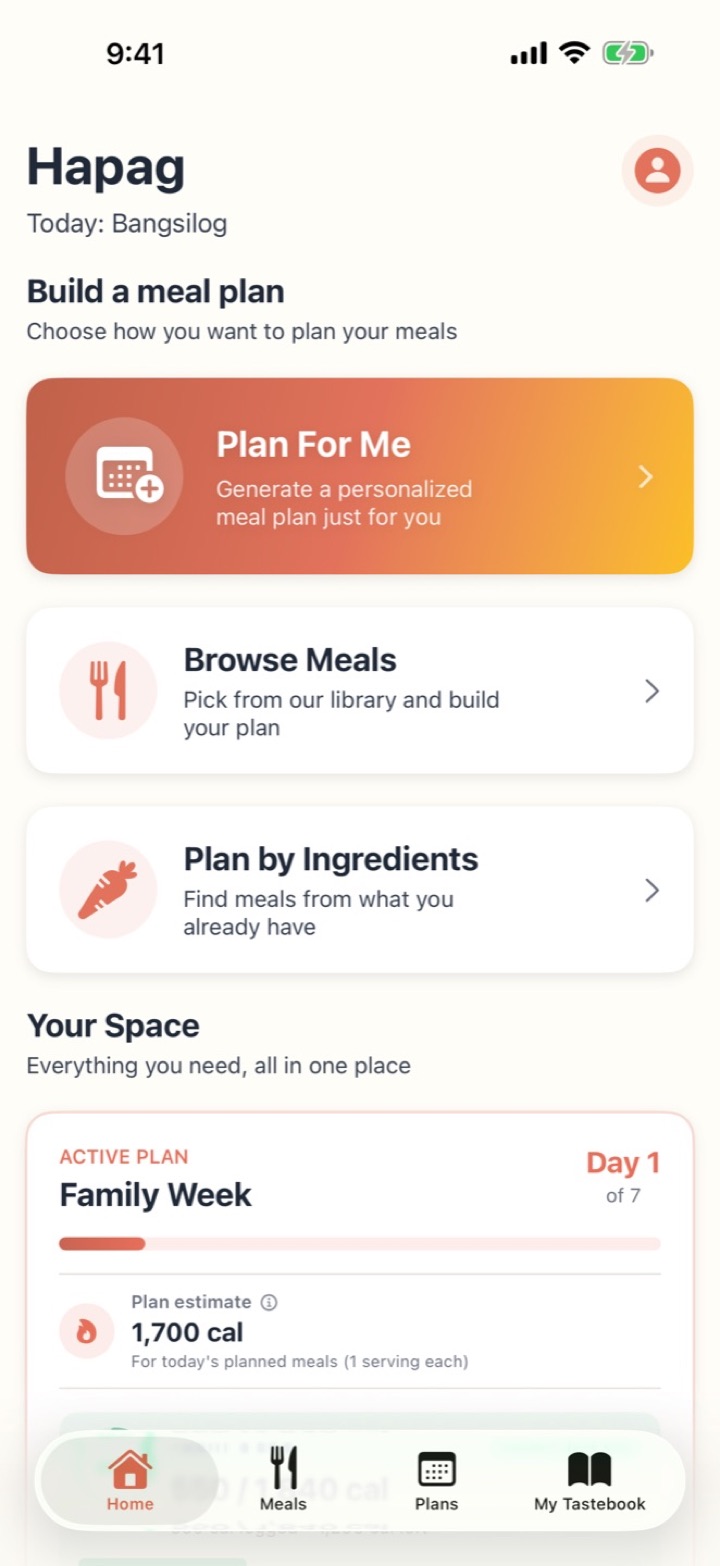
Plan For Me
No time to think?
A whole week, decided for you in seconds. Allergies and dislikes already handled.
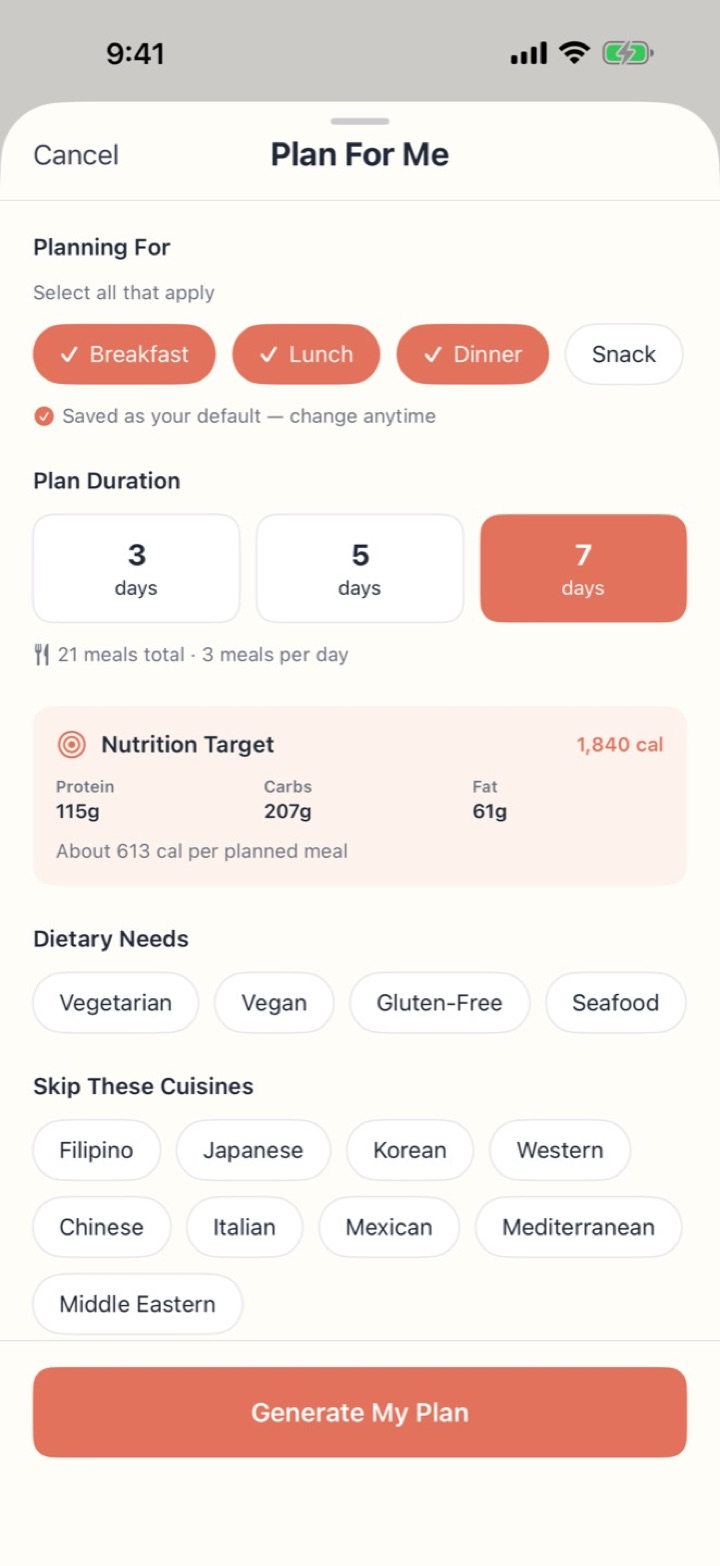
Hapag builds a week of meals around your family's allergies and tastes, then writes the shopping list for you.


No accountWorks offlineiPhone & Android
Allergies, dislikes, and which meals you eat.
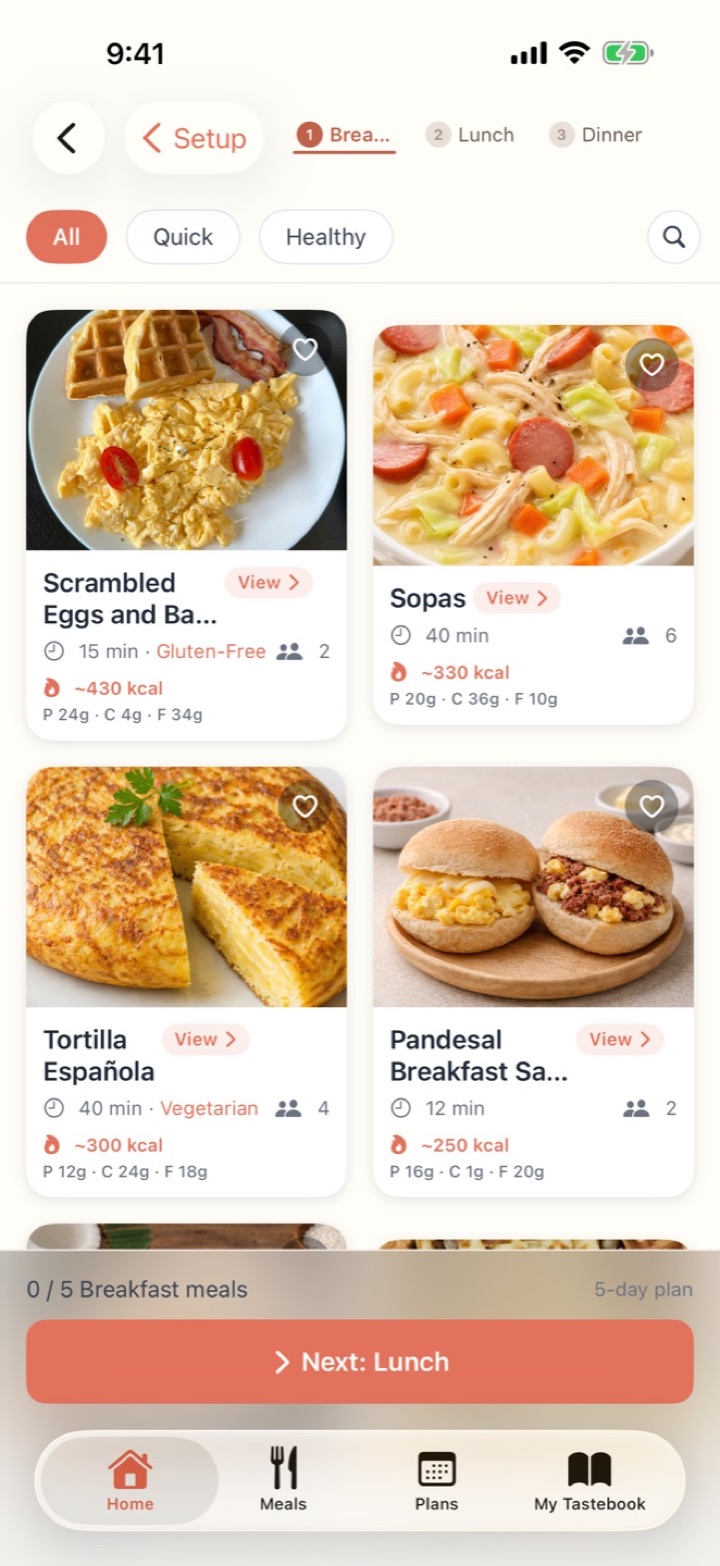
Or pick every meal yourself.
One tap per meal.
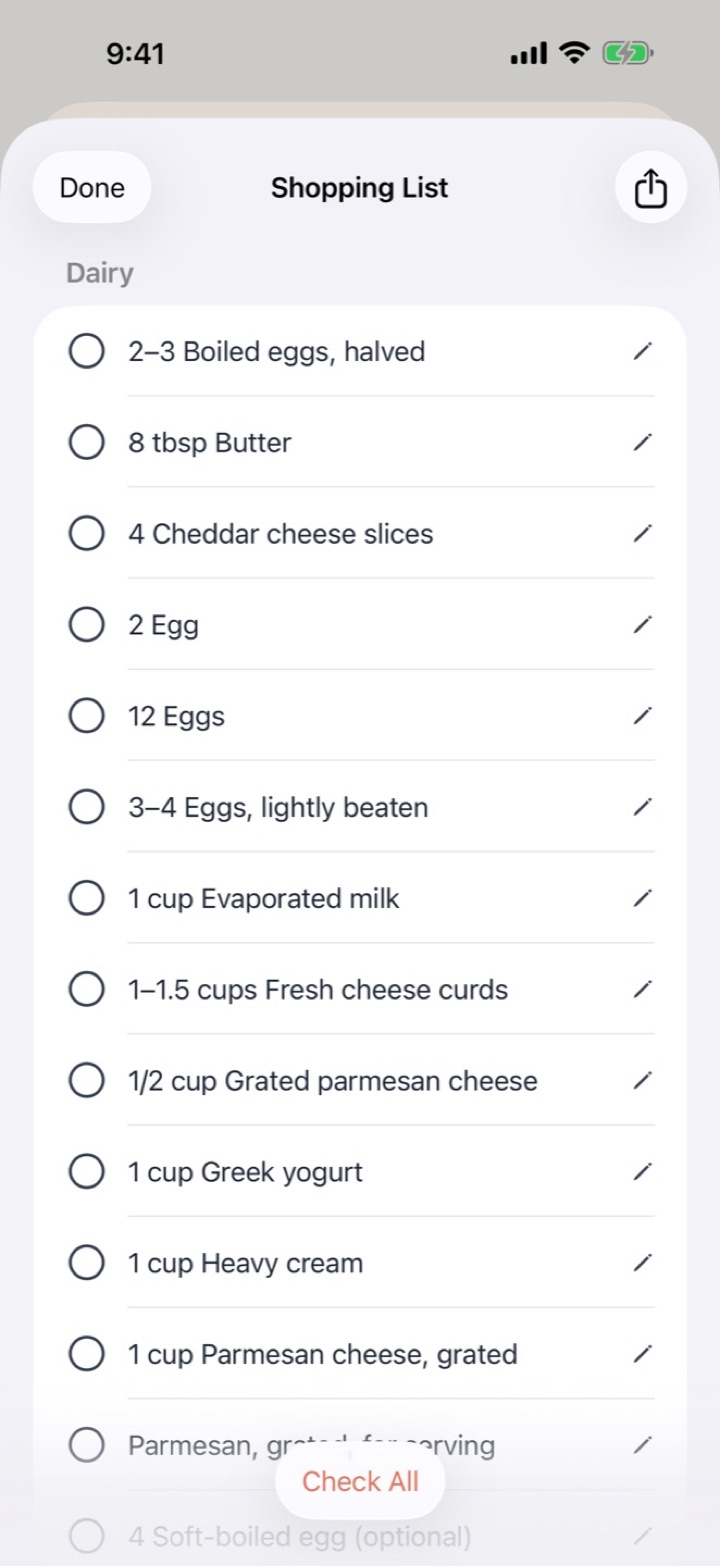
The shopping list is already written.
Every week, someone in the house carries the same invisible job: remembering who's allergic to what, who won't eat what, and what there's time to cook tonight. It's exhausting before you've even started cooking.
Hapag takes that job off your plate. Tell it about your family once, and every plan it builds fits them. You get your evenings back. Less Sunday-night stress. More actual Sunday.
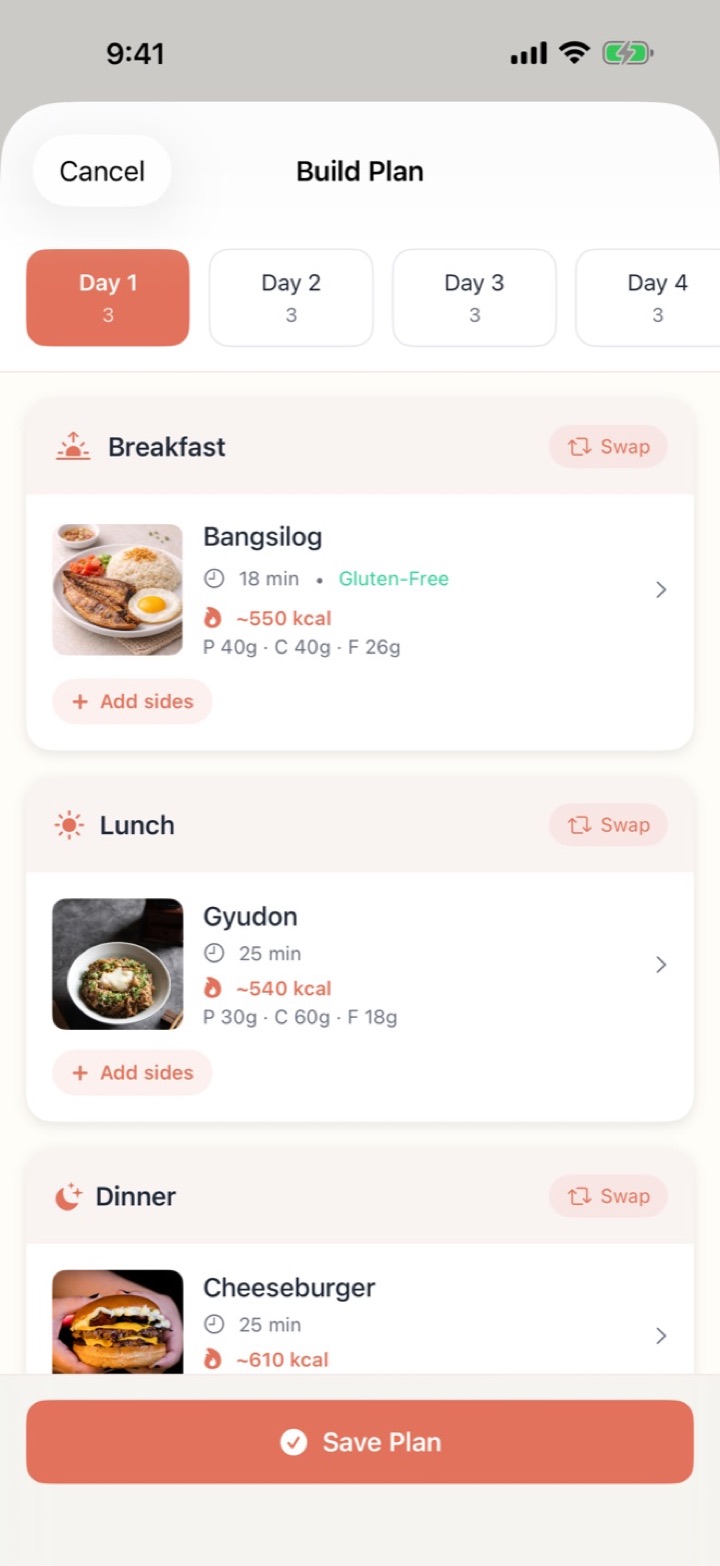
Each one ends in the same place: a day-by-day plan you can swap, add to and shop from.
A whole week, decided for you in seconds. Allergies and dislikes already handled.
Pick every meal yourself from 120 recipes and your own, for up to 14 days.
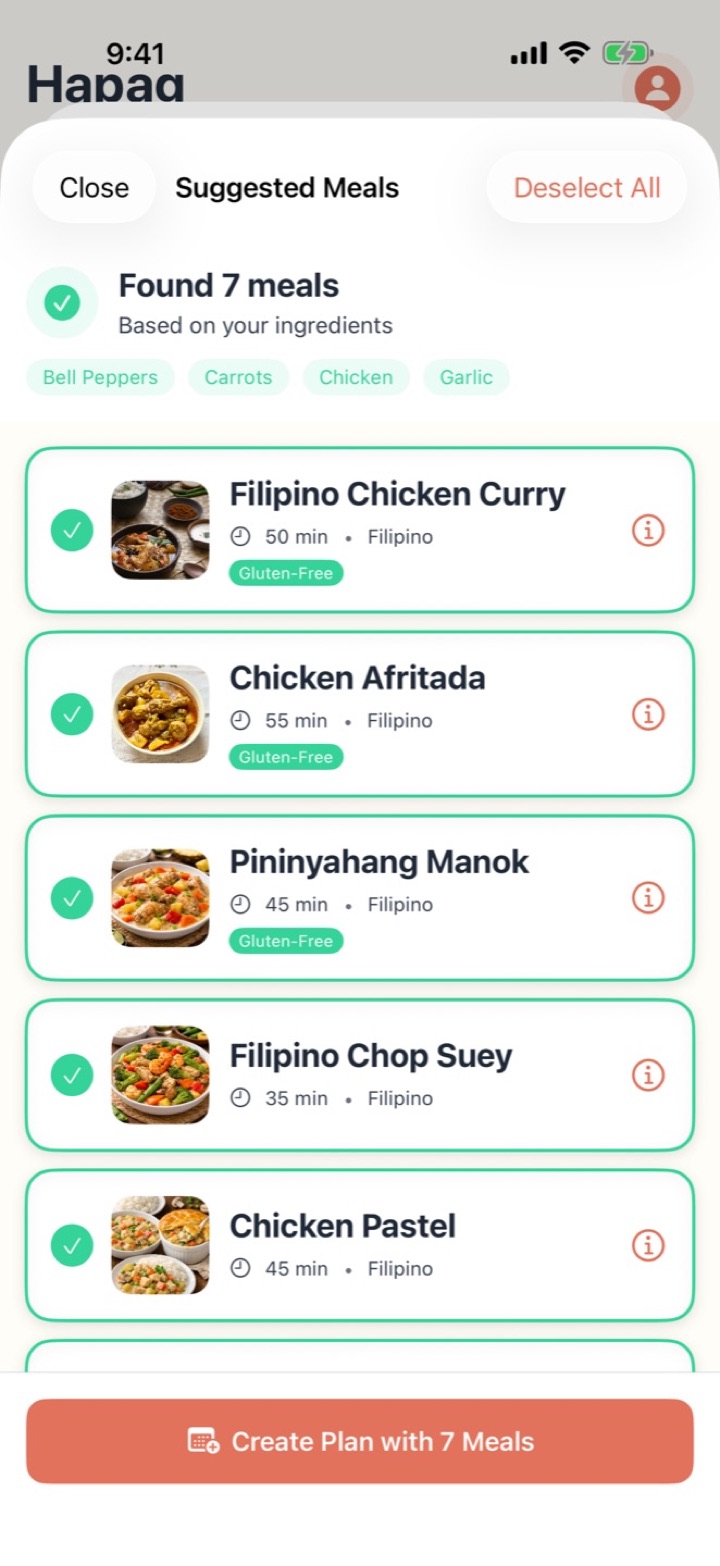
Tap what you have and Hapag finds meals you can cook tonight.
From the first plan to the last dish of the week, Hapag handles the thinking so you only have to show up and cook.
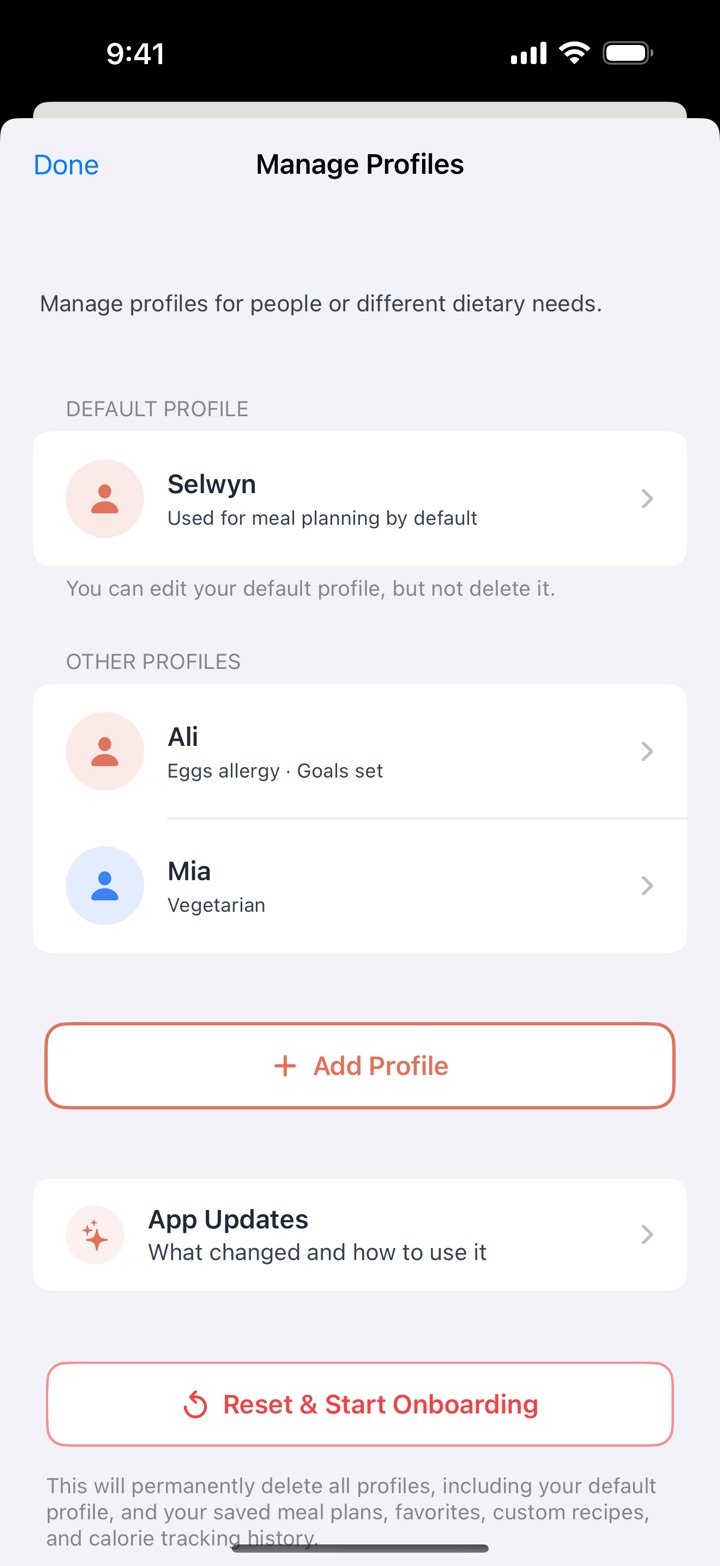
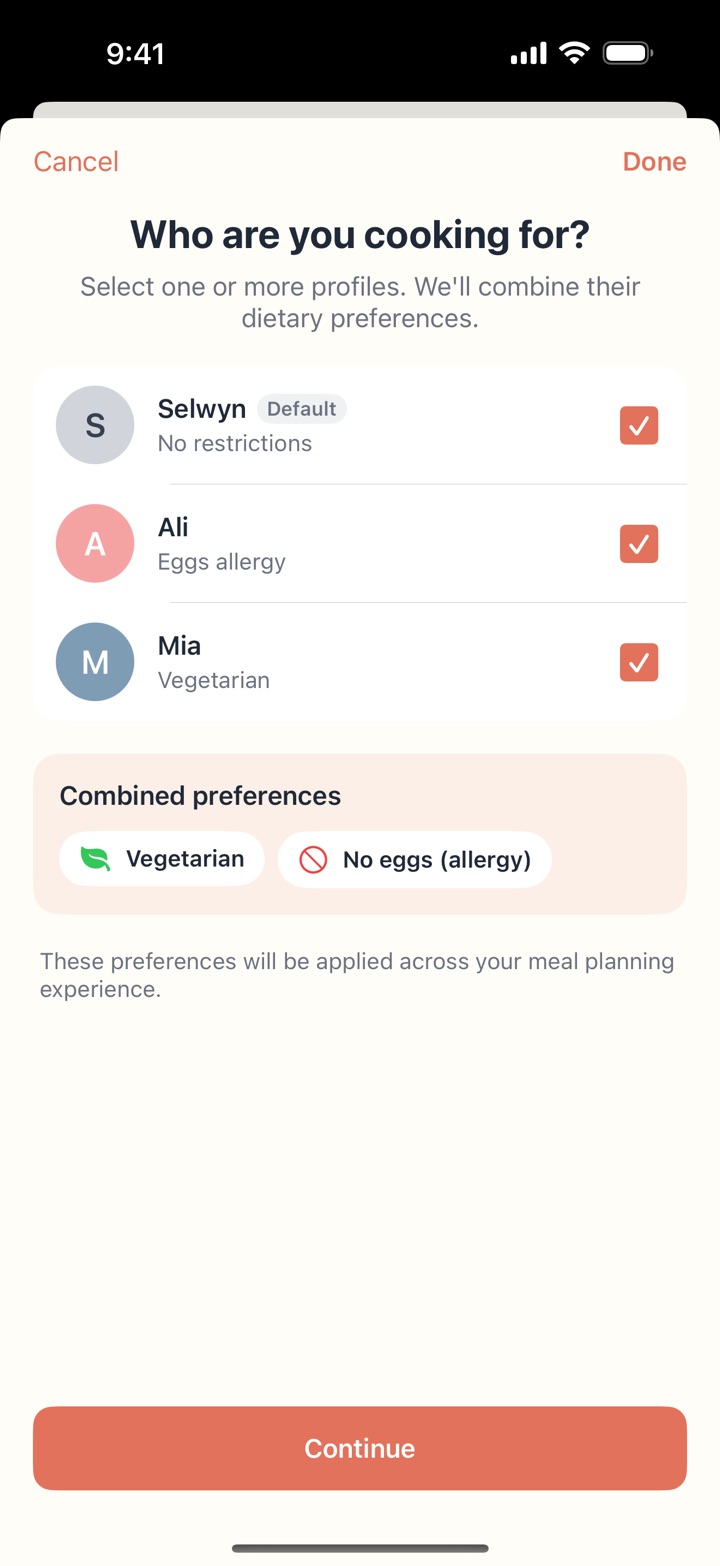
Give each person a profile with their own allergies, diets and meal times. Pick who you're cooking for, and Hapag combines their needs into one plan.
Run several plans side by side, or line up next week's plan now. My Plans sorts them into Active, Scheduled and Past.

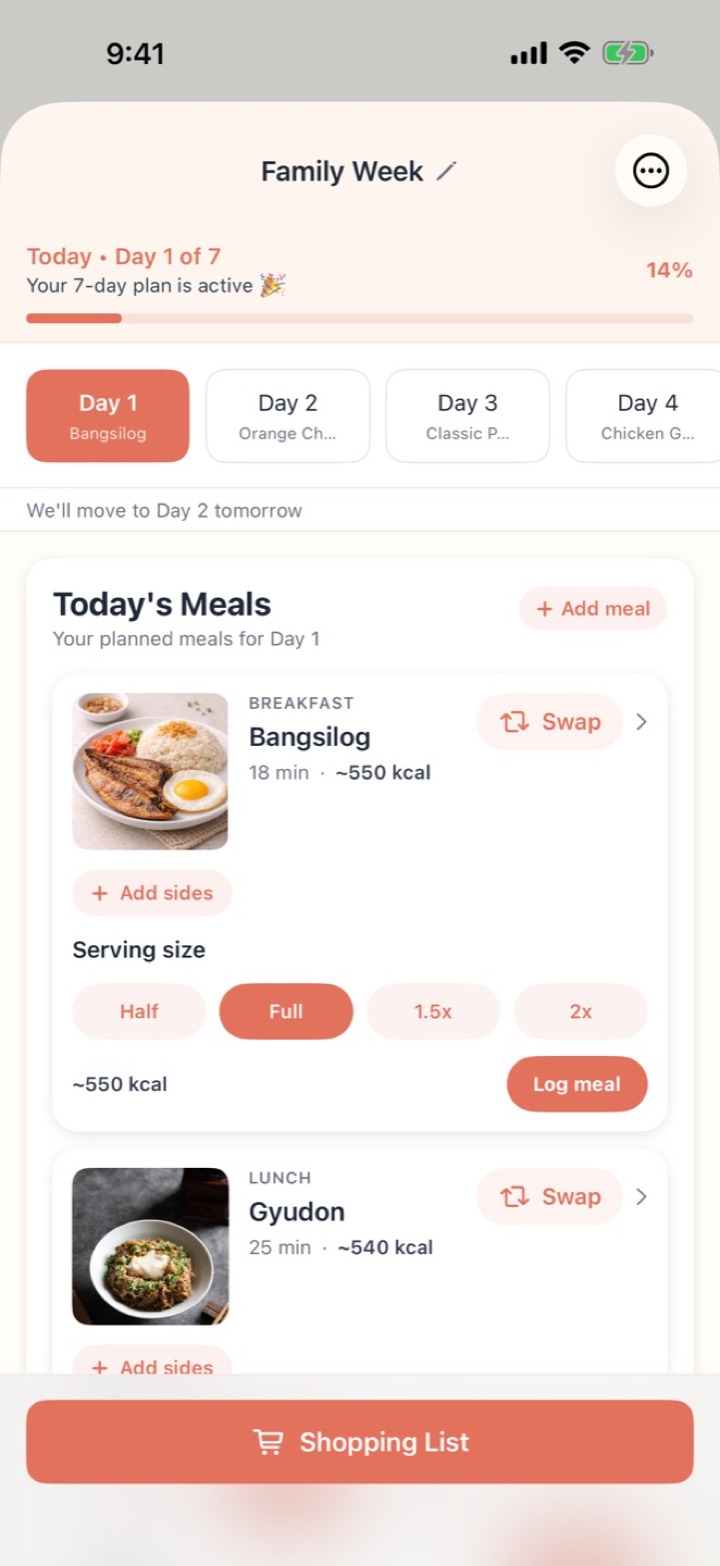
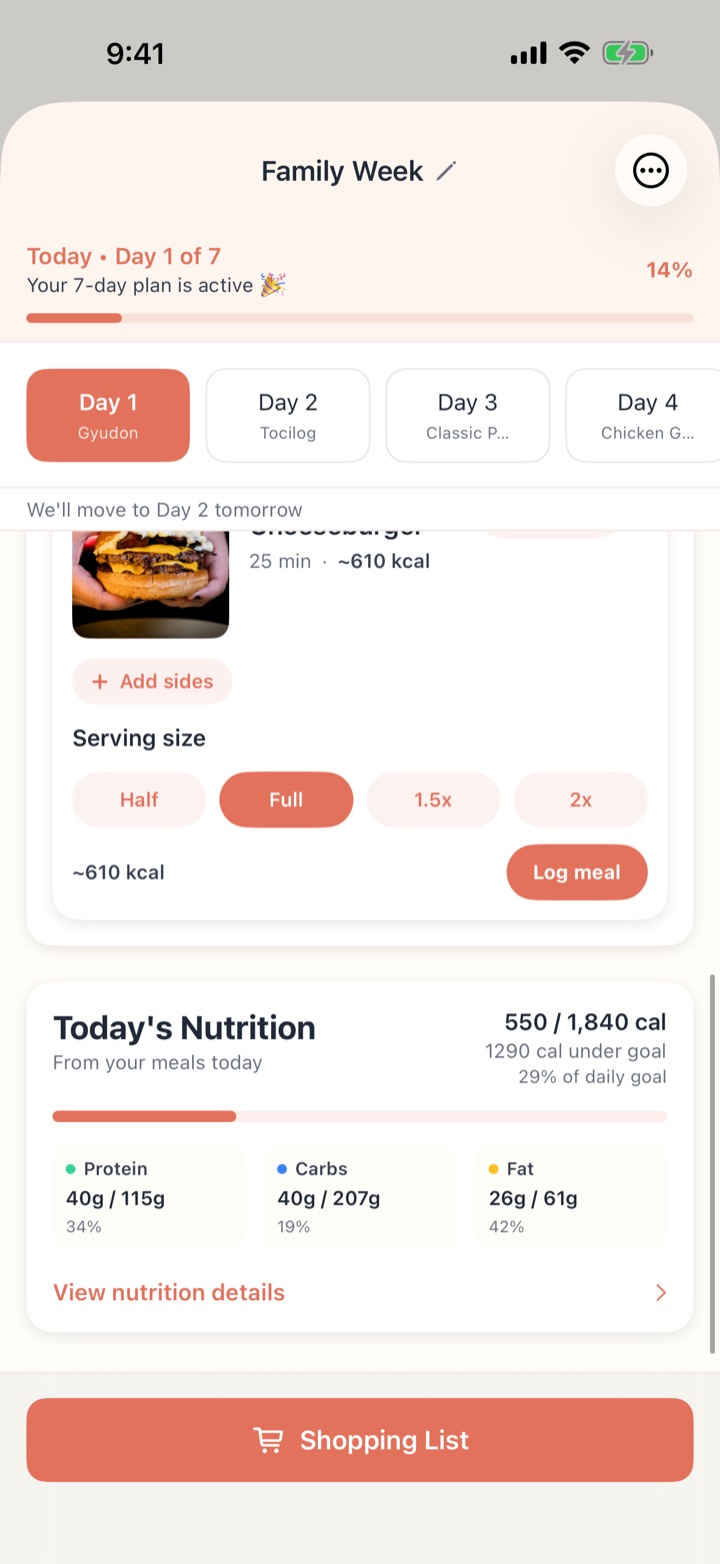
Activate a plan and Hapag follows along day by day: today's meals up top, what's coming tomorrow, and how far through the week you are.
Allergies and disliked ingredients are applied everywhere: every generated plan, every swap, every suggestion, and your own recipes too.
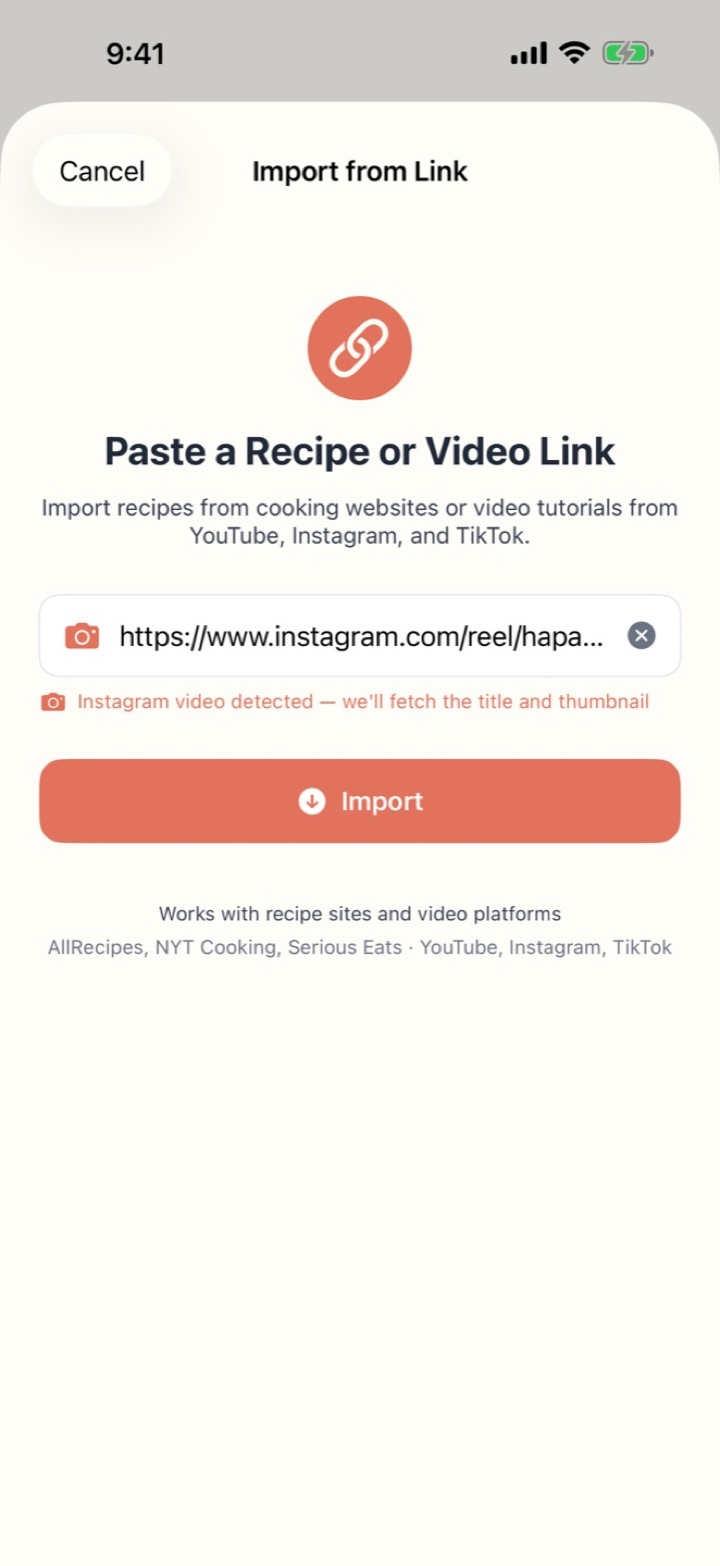
Paste a link from a recipe site, or a cooking video on YouTube, Instagram or TikTok. Hapag pulls out the title, ingredients, steps and photo, ready to plan with.
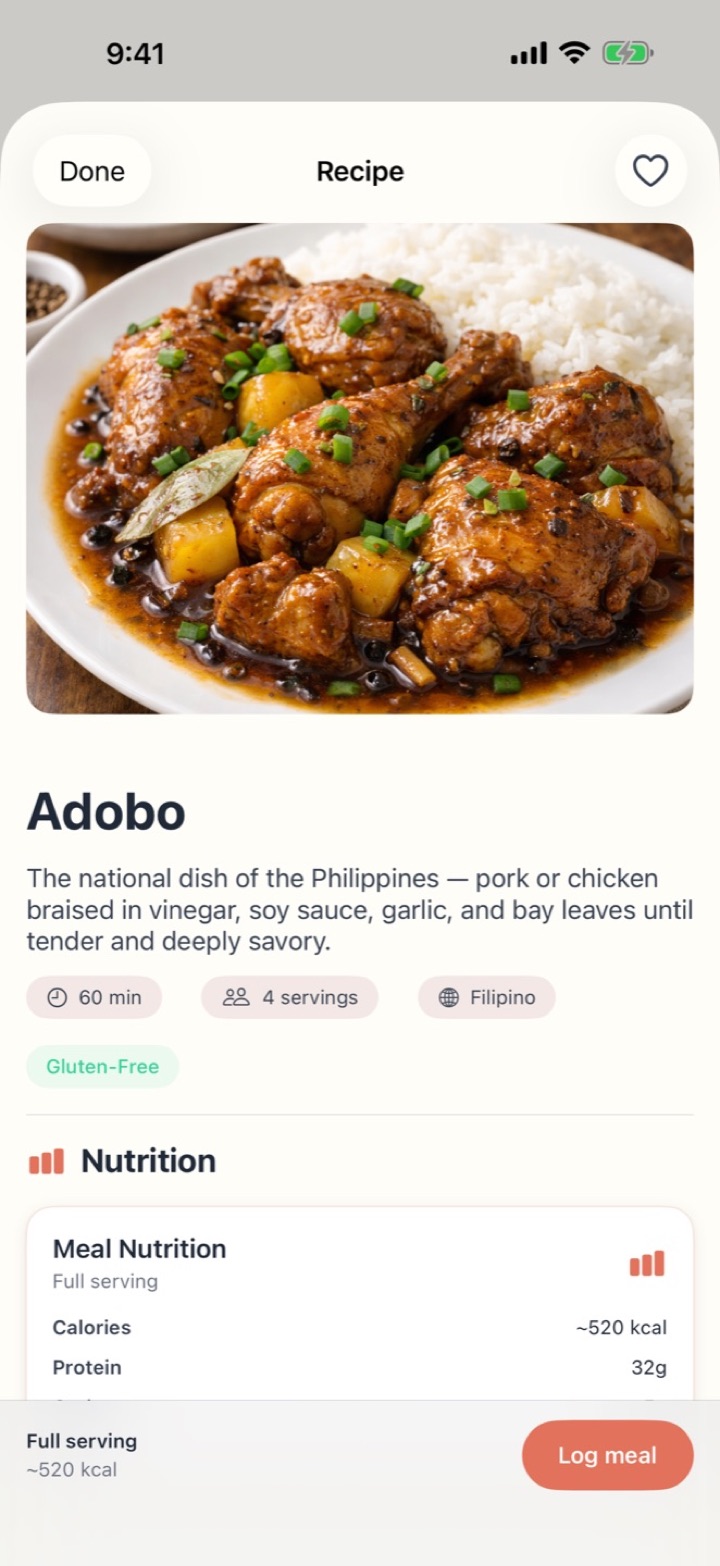
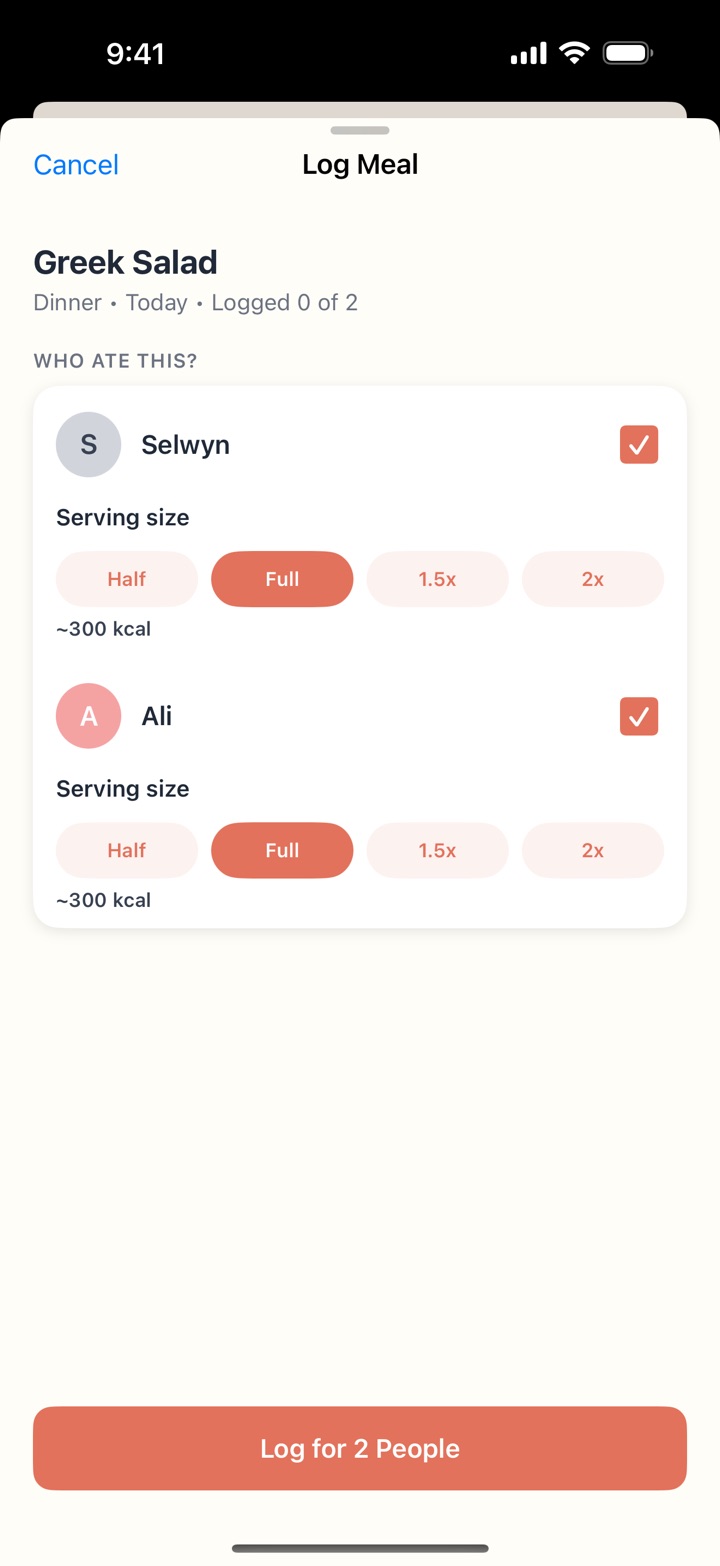
Optional tracking with a suggested daily goal. Leave it off and you'll never see a number.
Apple Intelligence writes one on your iPhone. Nothing leaves your phone.
✦ iPhone with Apple Intelligence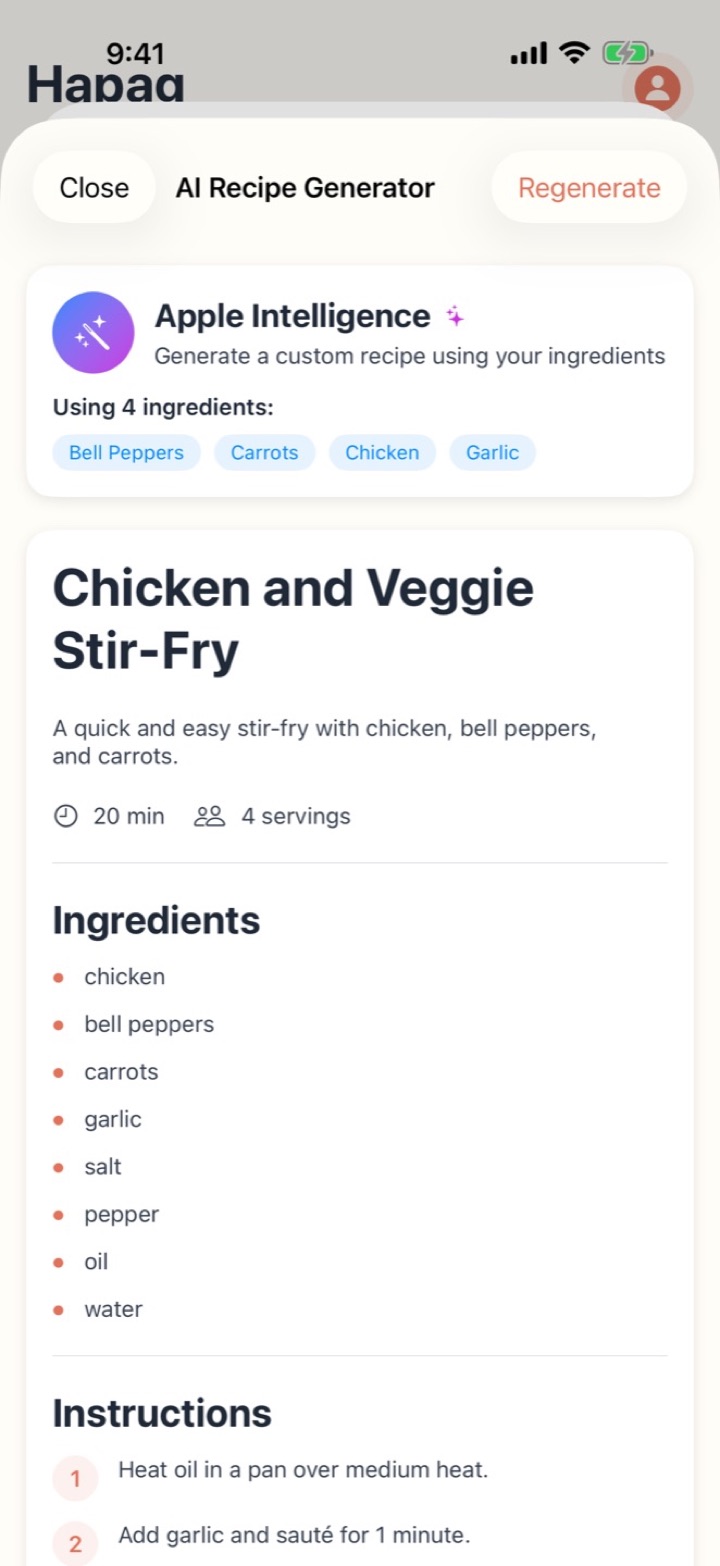
Your plans, recipes, profiles and meal logs live on your phone. Only what you choose to share leaves it.
Hapag has no servers that hold your data.
No sign-up, no analytics, no ads, no data sold or shared.
Hapag connects only to import a recipe from a link, or to sync what you share through iCloud.
Meal plans, recipes, shopping lists, profiles, allergies, body details and meal logs are stored on your phone. Hapag has no account and no servers that hold your data.
We don't collect, store or process personal information. No analytics, no usage tracking, nothing sent to us, anonymous or otherwise.
No advertising SDKs, analytics tools or data-sharing services. Your meal planning is entirely private.
On iPhone, you can share a meal plan or a recipe with people you invite. Only that plan or recipe, and the recipes a shared plan uses, is stored in iCloud, under the Apple ID of the person who shared it, and synced to the people they invited. It's protected by Apple's iCloud security, and we can't see it. Nothing is shared unless you choose to, and the rest of your data stays on your phone. Meal logs, allergies and body details are never shared.
Hapag goes online when you import a recipe from a link, to fetch that page or post and its photo, and to sync plans and recipes you share through iCloud. On iPhone, AI recipes are generated on the device by Apple Intelligence.
You can reset Hapag from your profile at any time. Deleting the app removes everything on your phone. Stop sharing a plan or recipe to end everyone else's access, or delete it in Hapag to remove it for everyone. There's nothing on our side to request or delete.
If you turn on calorie tracking for a profile, that person's age, weight, height and goal are used only to suggest their daily targets, and never leave your phone. Profiles and meal logs aren't shared, even on a shared plan.
Last updated: October 2026.
Email support@hapag.ca and we'll get back to you as soon as we can.